Extract data from any PDF.
Entirely on your Mac.
No cloud. No subscription. One-time purchase. Powered by open-source AI models running locally on Apple Silicon.
Three steps to structured data
From PDF to spreadsheet in minutes — not hours.
Define Your Schema
Tell ParseFlow what data to extract — invoice numbers, line items, dates, totals. Create reusable templates in seconds with a visual schema editor.
Drop Your PDFs
Drag up to 100 PDFs at once. ParseFlow processes them in the background using a local AI model — no internet needed. Watch progress in real time.
Export Your Results
Review extracted data side-by-side with the original PDF. Edit any field if needed. Export as CSV, JSON, or Excel with one click.
Built different. Built better.
Every decision we made puts your privacy and productivity first.
100% Private
Your documents never leave your Mac. No cloud processing. No telemetry. Zero data transmission.
Open-source AI
Powered by Gemma 3, Google's open-source multimodal model, running locally via llama.cpp with Metal GPU acceleration.
One-Time Payment
Pay once, use forever. No subscriptions, no per-page fees, no usage limits. €17.99 and it's yours for life.
Native macOS
Built with Tauri and Apple's own PDFKit + Vision frameworks. Fast, lean, feels like it belongs on your Mac.
Made in Germany
Designed and built in Germany with strict privacy principles. GDPR-friendly by architecture, not just policy.
Batch Processing
Parse up to 100 PDFs in one go. Define a schema once, reuse it across thousands of documents.
Flexible Schemas
Create custom extraction templates for any document type — invoices, receipts, contracts, reports, forms.
Works Offline
After a one-time model download (~3GB), ParseFlow works without internet. Forever.
A closer look
Every feature designed for speed, accuracy, and ease of use.
Side-by-Side Review
View extracted data alongside the original PDF. Click any field to see its confidence score, edit values inline if the AI got something wrong, then save with one click. Every extraction is fully auditable.
Chat with Your PDFs
Drop any PDF and ask questions in plain language — totals, dates, party names, anything. The local AI model answers instantly without sending a single byte to the cloud. Sessions are temporary and never saved.
Dark Mode & Results
View all parsed documents in one place, filter by status, search by filename or extracted value, and bulk-export to CSV, JSON, or Excel. Native light and dark mode — it's a real Mac app.
Your documents are yours. Period.
No cloud uploads. Ever.
No telemetry or analytics.
AI runs 100% on-device via Apple Metal GPU.
Open-source model weights you can verify.
We can't see your data even if we wanted to.
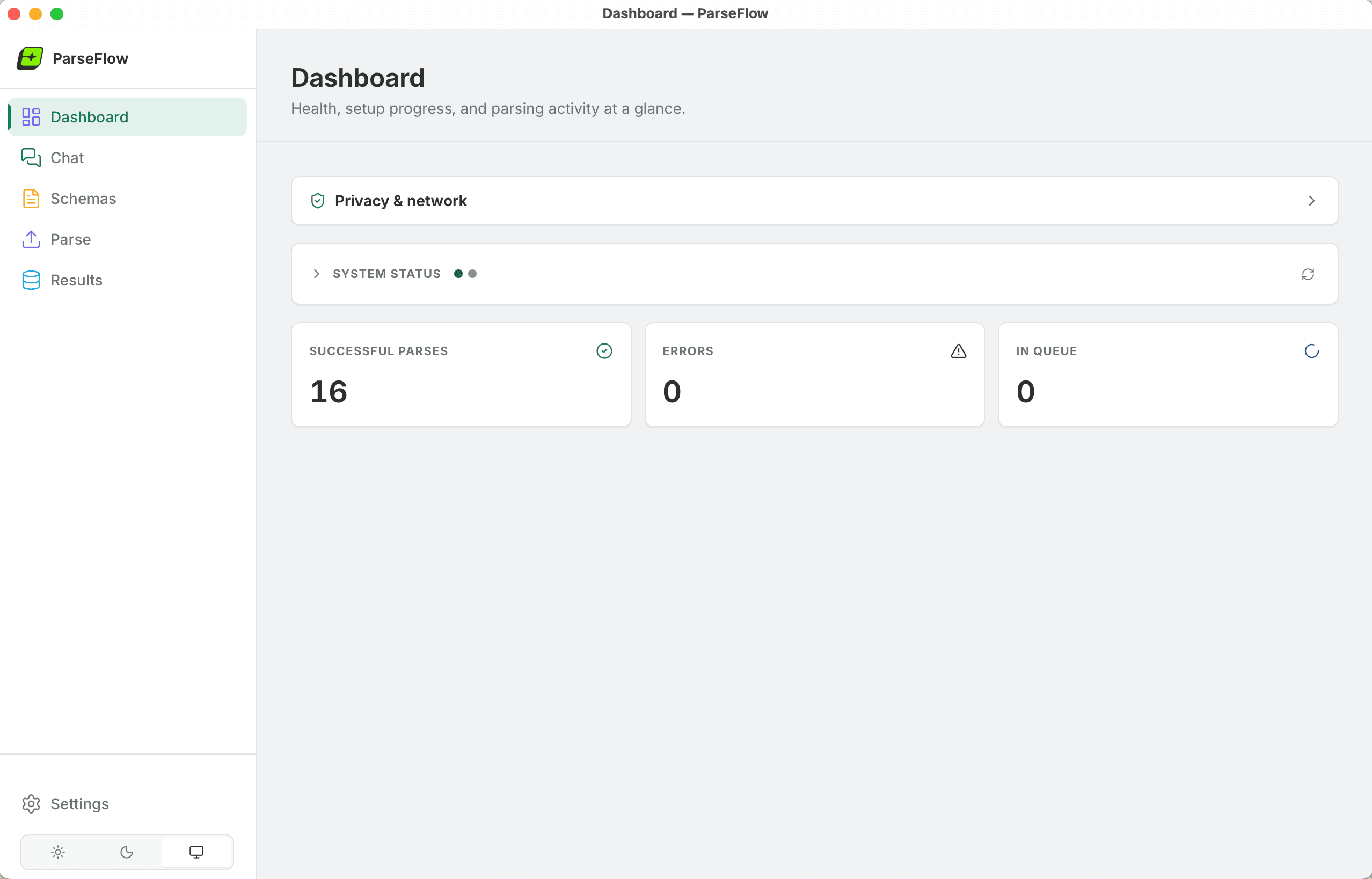
The Privacy & Network panel — open it any time to verify zero data transmission.
ParseFlow vs cloud alternatives
Cloud PDF extractors charge you forever. ParseFlow doesn't.
| Feature | ParseFlow | Cloud tools |
|---|---|---|
| Price | €17.99 once | €30–100/month |
| Data stays on device | ||
| Works offline | ||
| Per-page fees | None | €0.01–0.10/page |
| Usage limits | Unlimited | Tiered plans |
| GDPR-friendly | By architecture | By policy |
| Year 2+ cost | €0 | €360–1,200+ |
Simple, honest pricing
One product. One price. No tricks.
Cloud alternatives start at €30/month. ParseFlow pays for itself in the first week.
System Requirements
Download the AI model once from Settings — then it runs locally forever.
Frequently asked questions
Contact us
Questions, feedback, or need a hand? Send us a message
Ready to stop copying data from PDFs by hand?
Join professionals who save hours every week with ParseFlow. One-time purchase, works offline, your data never leaves your Mac.
Buy ParseFlow